_edited.png)
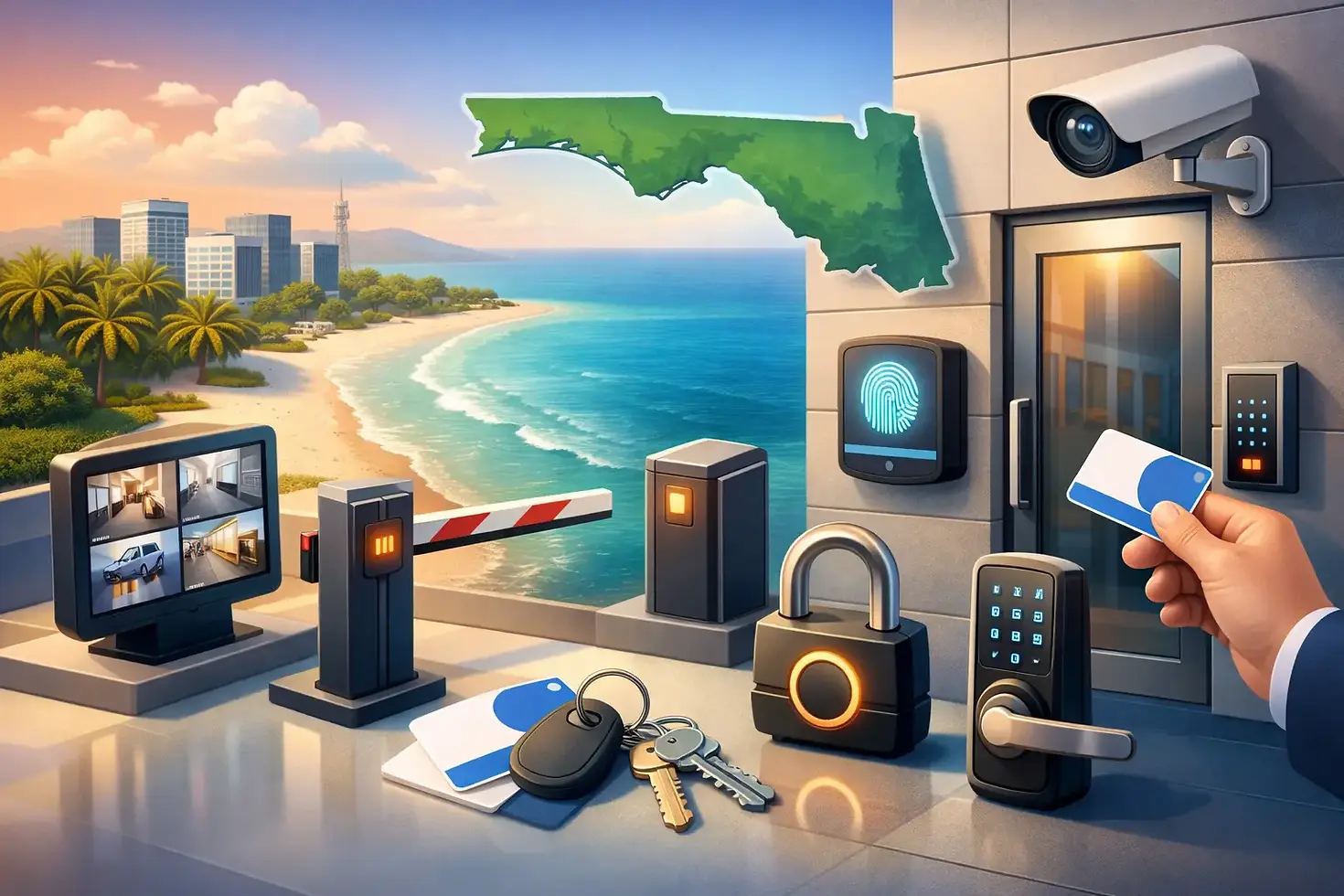
Access Control for Florida Panhandle Businesses

A lost key, a former employee, or an unlocked back door can create a bigger problem than most business owners expect. Access control gives you a practical way to decide who can enter your building, which doors they can use, and when those doors should be available. For Florida Panhandle businesses, it is one of the most useful security upgrades for protecting people, inventory, records, and daily operations.
Unlike a traditional lock, an access control system can be adjusted without collecting keys from every employee or replacing hardware after a staffing change. That can save time and reduce uncertainty when your business needs to act quickly.
What Access Control Does for Your Business
Access control is a door security system that uses approved credentials instead of relying only on a metal key. Depending on the system, an employee may use a keypad code, key fob, access card, mobile credential, or biometric reader to open a door.
The real benefit is control. A manager can allow the front office team into the building during normal business hours while limiting the stockroom, server room, medication cabinet area, or maintenance entrance to only authorized staff. You can also set schedules, so a credential works during an employee's shift but not at 11 p.m. on a weekend.
This is especially helpful for businesses with turnover, multiple shifts, vendors, cleaning crews, or several locations. When someone no longer needs entry, their code or credential can be removed. There is no need to wonder whether they made an extra copy of a key.
For property managers, access control can also make common areas easier to manage. Gate entrances, pool rooms, maintenance spaces, leasing offices, and amenity doors can all have different permission levels based on the needs of the property.
The System Is More Than a Keypad
A keypad at the door is only one part of a properly planned access control setup. The right system usually includes a reader or keypad, a controller, an electric locking device, power supply, door hardware, and a way to program users and schedules.
The door itself matters just as much as the electronics. A weak frame, damaged closer, misaligned latch, or worn hinges can cause a secure system to perform poorly. Before adding electronic access, the door should close and latch correctly every time. Commercial doors that are propped open, slam shut, or fail to latch need attention first.
There are also different lock types for different situations. An electric strike can work well on many commercial doors because it releases the latch when an approved credential is presented. A magnetic lock may be appropriate in some applications, but it requires careful planning for life-safety requirements. The choice between fail-safe and fail-secure hardware depends on the opening, local code requirements, emergency egress, and what should happen during a power outage.
That last point should never be treated as an afterthought. People inside the building must be able to exit safely during an emergency. Access control should add security without creating an obstacle to leaving the building.
Choosing the Right Access Control Setup
The best system is not always the most complicated one. A small office with six employees may only need a code lock or a simple keypad at one exterior door. A restaurant might need controlled access at a back door and office, with separate codes for managers and vendors. A larger operation may need multiple doors, time schedules, audit records, and remote management.
Start by looking at how your property actually operates. Consider who enters, which doors need protection, when people should have access, and what happens when an employee leaves. Think about delivery drivers, contractors, after-hours staff, and emergency personnel as well. A system should fit your workflow instead of forcing your team to work around it.
Keypads are affordable and convenient, but codes must be changed when they are shared too widely or when staff changes. Key fobs and cards are easy to issue and deactivate, although they can be lost or handed to someone else. Mobile credentials can reduce the number of physical items people carry, but they depend on phones being charged and employees being comfortable with the technology.
For some businesses, a basic system with clear rules is more dependable than a large system with features nobody uses. For others, remote administration and activity reporting are worth the added investment. It depends on the size of the property, employee turnover, the value of the assets being protected, and how much control management needs.
Plan for Power, Weather, and Daily Use
Florida Panhandle weather can be hard on exterior equipment. Heat, humidity, rain, salt air near the coast, and sudden storms all affect doors, readers, wiring, and power connections. Exterior equipment should be selected and installed with the environment in mind, especially for businesses in Destin, Miramar Beach, Santa Rosa Beach, and Panama City Beach.
Power loss is another practical consideration. Ask what the system will do if the building loses power. Some setups use battery backup so credentials and door operation continue for a period of time. Others are designed to release or remain secured based on the door's purpose and safety requirements. The right answer is not the same for every opening.
Daily habits matter, too. If employees regularly prop open a controlled door for convenience, even a well-installed system will not provide the protection you expect. Clear access rules, assigned credentials, and reliable door closers help keep the system working as intended.
Keep Credentials Organized
Access control works best when someone is responsible for managing it. That does not have to mean a full-time security manager. It can be an owner, office administrator, property manager, or trusted supervisor who keeps a current list of users and permissions.
Remove access promptly when employment ends or a contractor completes a job. Avoid using one shared code for the entire staff. Shared codes are difficult to control because there is no clear way to know who used them or who may have passed them along. Individual codes or assigned fobs create better accountability.
Review access permissions periodically. An employee may have changed roles months ago but still have access to areas they no longer need. A quick review can close those gaps before they become a problem.
When It Is Time to Upgrade
Your business may be ready for access control if keys have gone missing, former employees may still have keys, multiple people need different levels of entry, or you are tired of rekeying locks after staffing changes. It is also a smart consideration when moving into a new commercial space, expanding into additional suites, or replacing worn-out door hardware.
An upgrade does not have to happen all at once. Many businesses begin with the most important exterior door, back entrance, office, or storage area. Additional doors can be added as the budget and security plan allow. That approach can make the project more manageable while addressing the highest-risk areas first.
Xpress Locksmith can help business owners and property managers evaluate commercial doors, code locks, door closers, and access control options on site. A professional assessment helps identify whether the issue is the lock, the door hardware, the credential process, or a combination of all three.
The right system should make your building easier to manage, not harder to use. Start with the doors that matter most, give each person only the access they need, and keep the plan simple enough to maintain when business gets busy.


Comments